Color
Color curve and exposure of the final image.

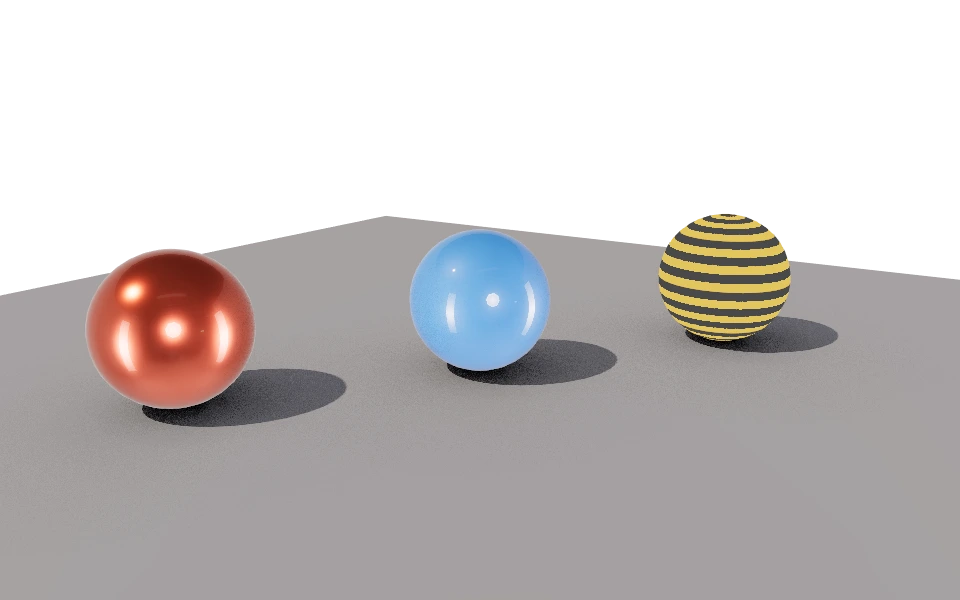
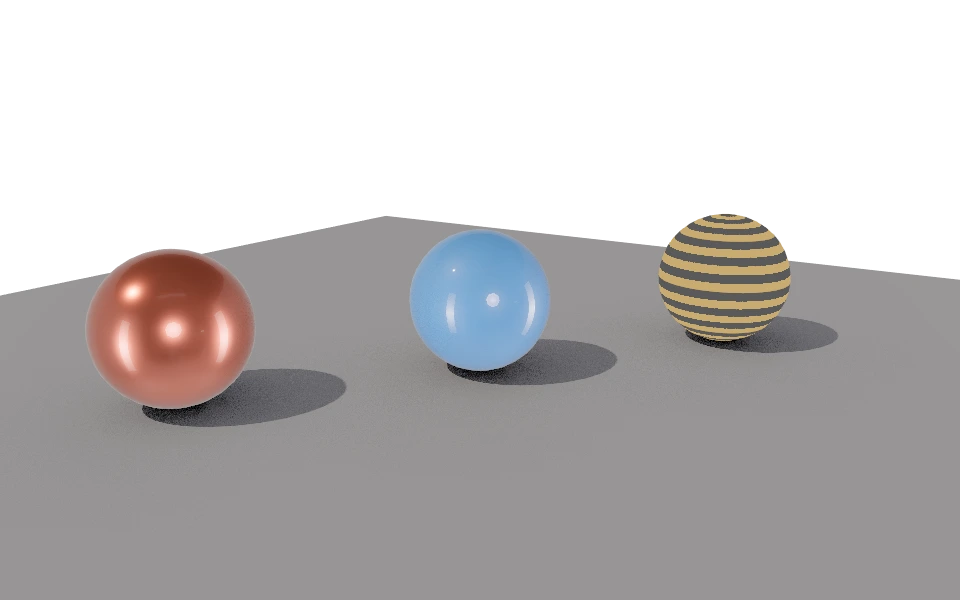
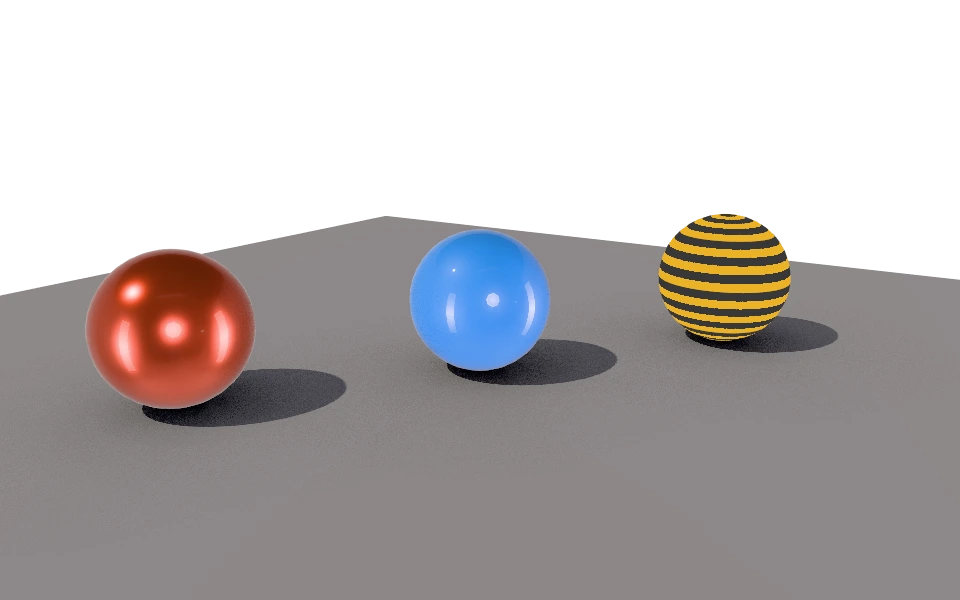
The Color section decides how strong light and reflections show on screen.
Controls
- Tone mapping: The color curve.
- Linear: No curve. Strong light becomes a flat white patch, as in the first example.
- ACES Filmic: The film curve, with firm contrast and saturated colors.
- AgX: More restrained in the highlights. The safest choice for very strong light.
- Neutral: Keeps the material color as it was chosen.
- Exposure: From 0 to 4. Brightens or darkens the whole image, like opening or closing the camera.
Exposure
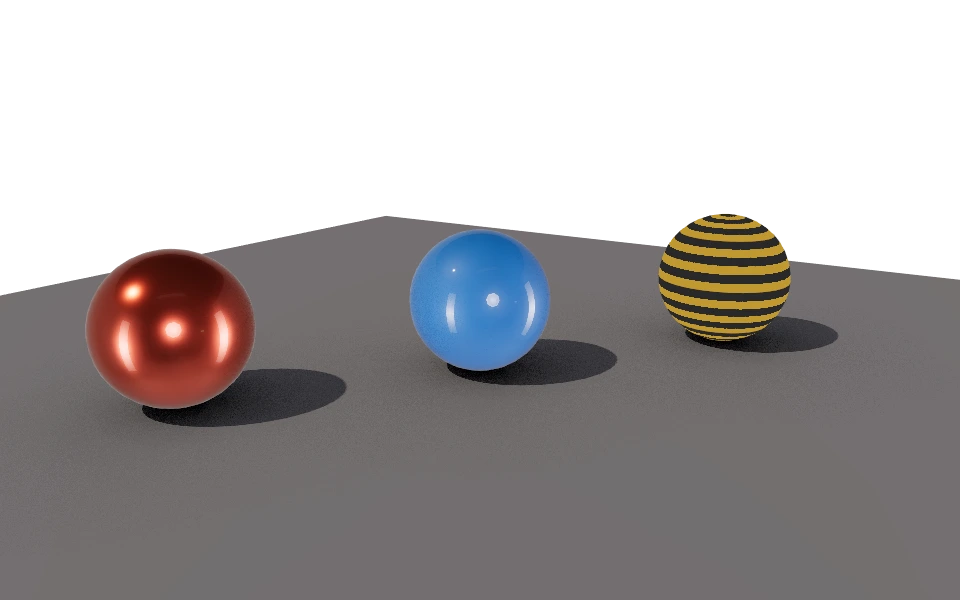

Half the exposure closes the shadows; double brightens everything and takes reflections to white, without blowing out into patches.
How to use it
Pick the curve first and adjust the exposure after. If a material looks right in material mode and washed out here, try Neutral.