Grain
Fine film grain over the final image.
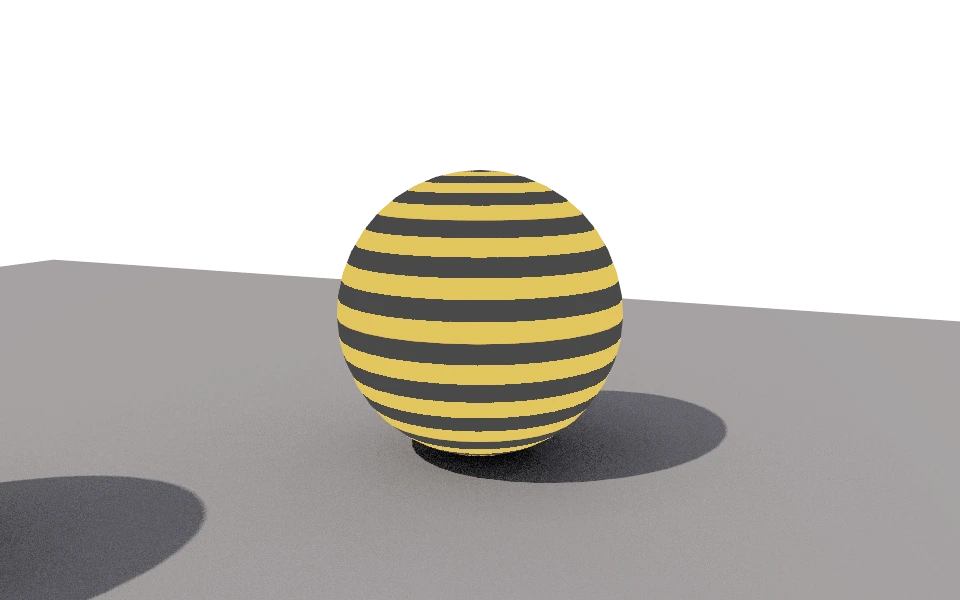
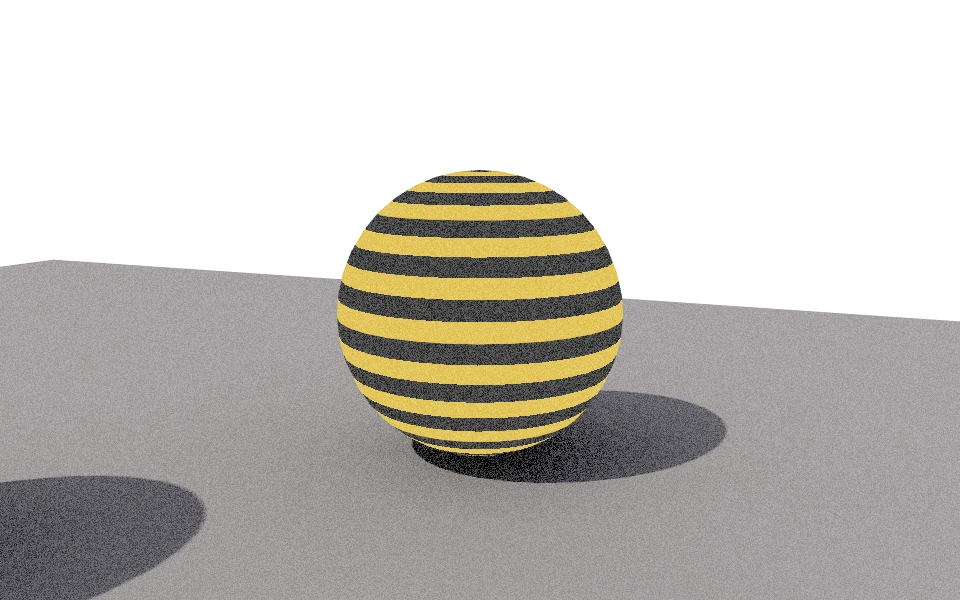
The Film grain section adds a fine film grain to the image, which takes away the overly smooth look of a computer generated image.
Controls
- Strength: From 0 to 1. The strength of the grain.
How to use it
Between 0.1 and 0.25 the grain shows up close and disappears at a distance. The image above uses a high value so it shows in the thumbnail. Grain also hides banding in smooth gradients, such as a sky or a large wall.