Fog
Tints distant things with a color, creating depth.
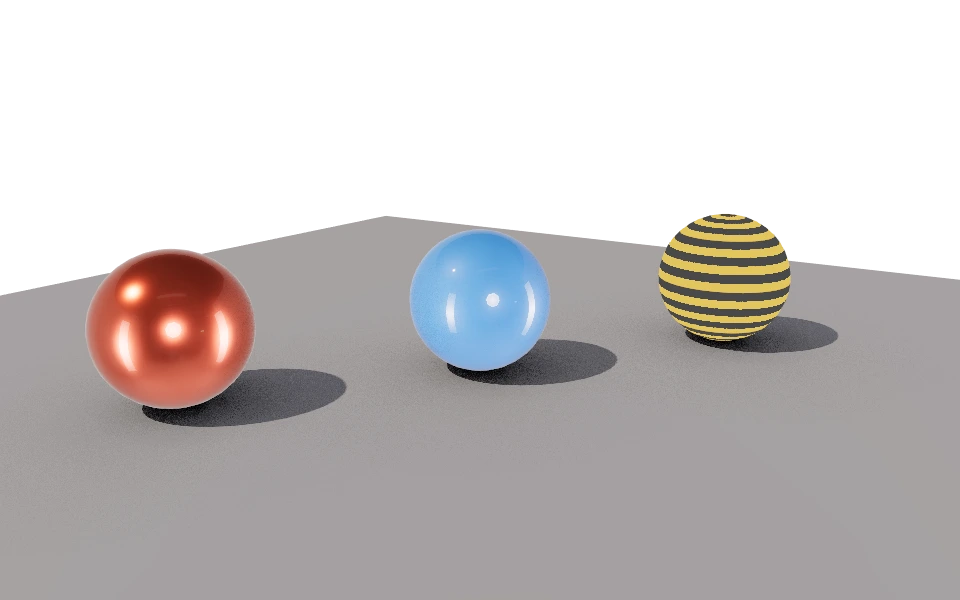
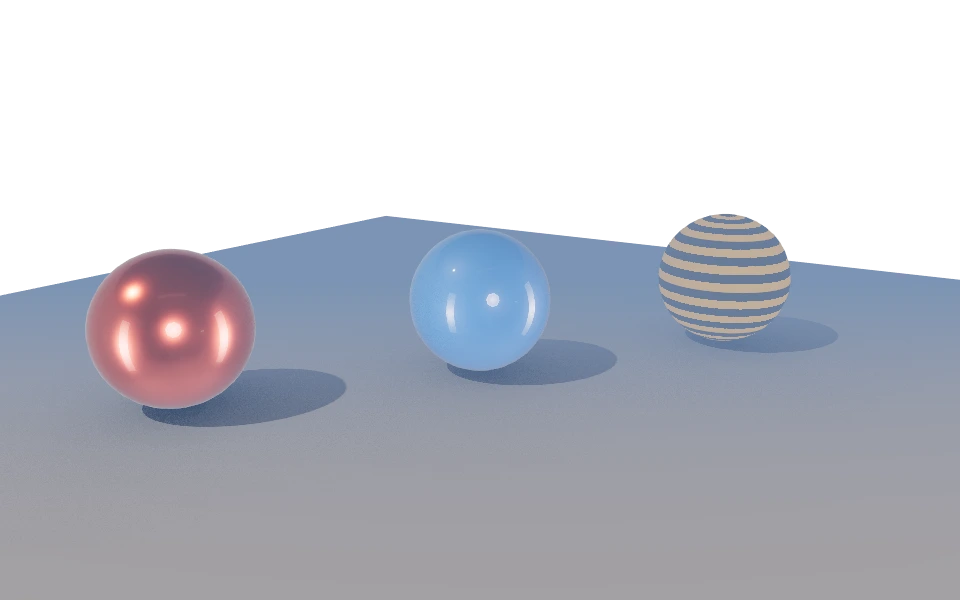
The Fog section tints objects with a color by their distance from the camera: nothing changes up close, and far away the color takes over. It adds depth and separates what is in front from what is behind.
Controls
- Enable fog: Turns fog on.
- Color: The fog color. A grayish blue looks like air on a clear day; a warm tone looks like dust or late afternoon.
- Start: The distance, in meters, where the fog starts.
- End: The distance where the fog color has covered everything.
How to use it
Start the fog just past the main object and end it a little beyond the farthest point. If it does not show, the start is probably too far for the size of the model.
Fog does not cover the background: choose a color close to the environment.