Shadows
Shadows from a sharp edge to a soft penumbra.
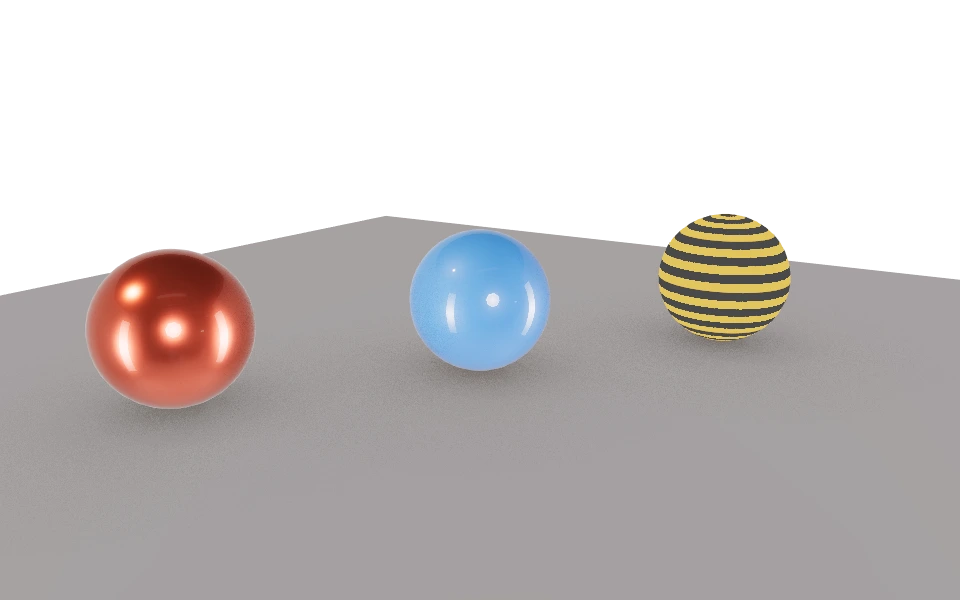
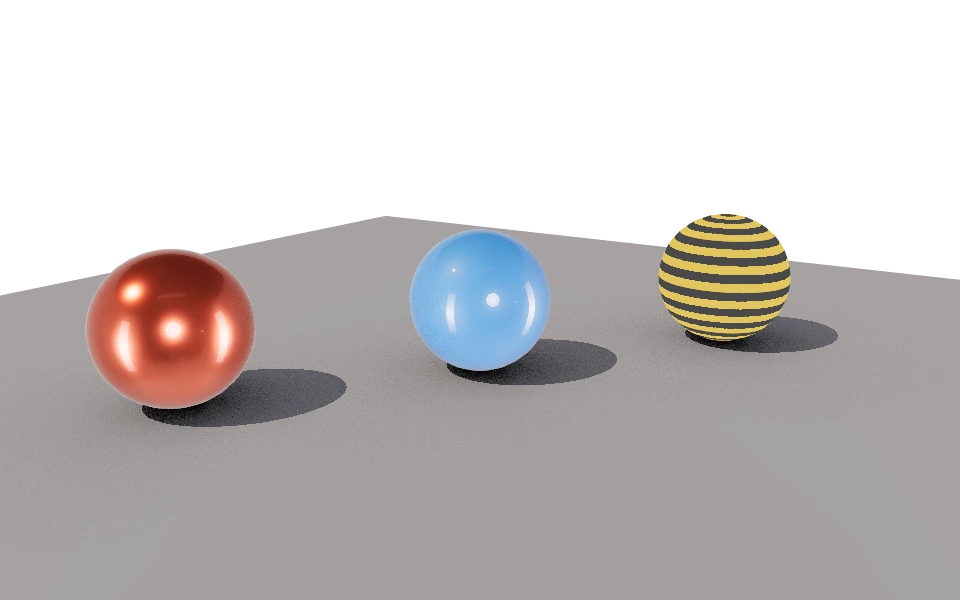
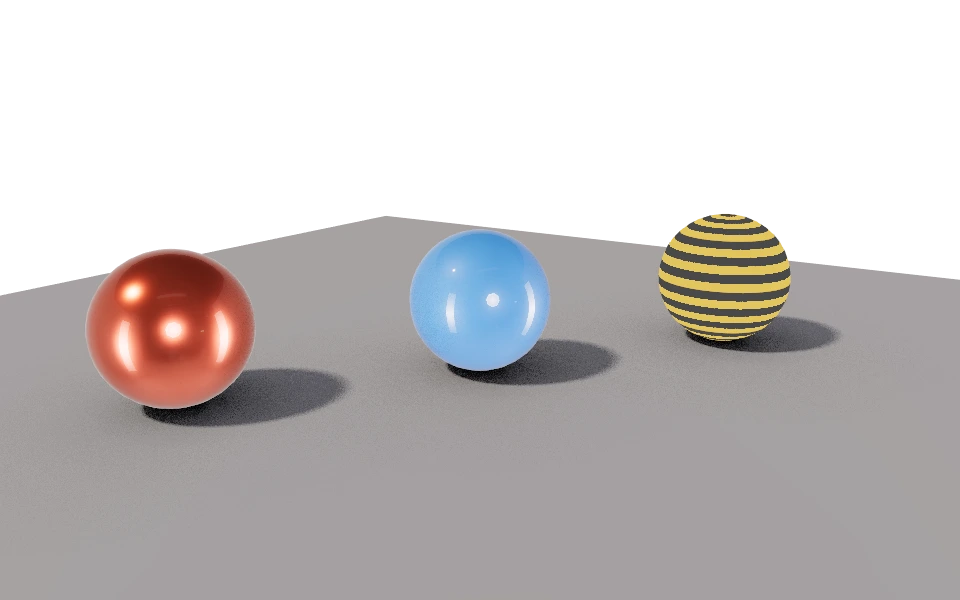
The Shadows section turns on the shadows of the lights and decides whether their edge is sharp or soft.
Controls
- Enable shadows: Turns shadows on. With them off, the model seems to float.
- Softness: From 0 to 10. At 0 the edge is sharp; the higher, the softer, and softer still farther from the object casting the shadow.
How to use it
A midday sun calls for low softness. An overcast sky or a large lamp calls for values from 3 up. A very soft edge needs more Antialiasing samples to avoid grain.
If the model still lacks contact with the ground even with shadows, turn on ambient occlusion, which darkens corners and gaps.