Ambient occlusion
Darkens corners and gaps where ambient light reaches less.
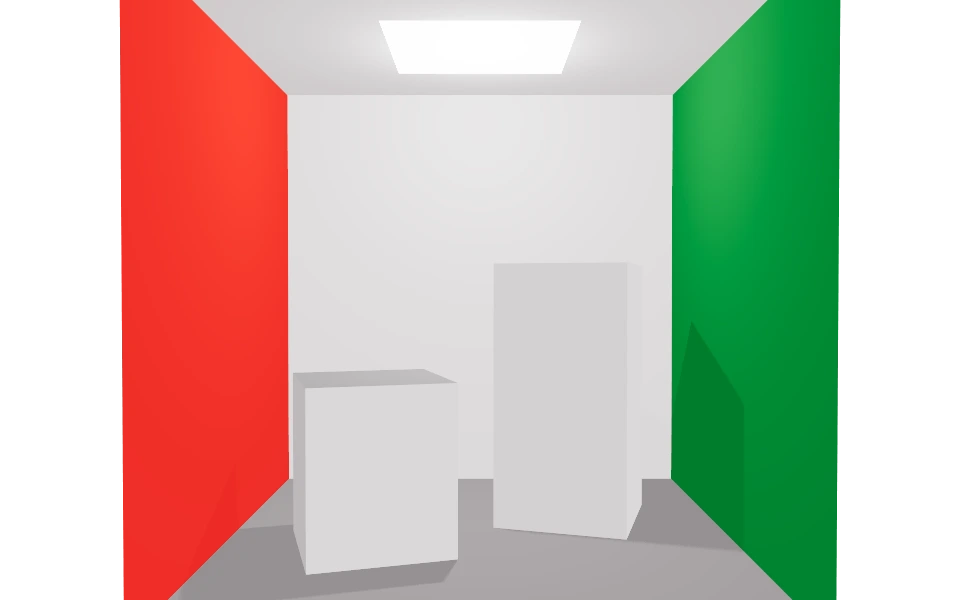
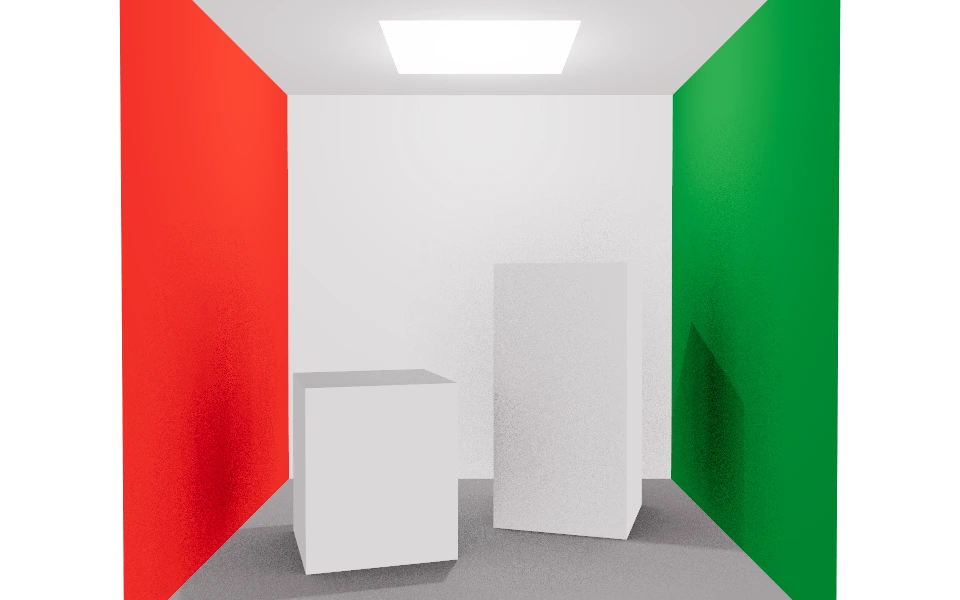
The Ambient occlusion section darkens corners, edges, gaps and the spots where one piece touches another. It is what gives the model weight: without it the pieces look loose; with it, they rest on the ground.
Controls
- Enable ambient occlusion: Turns the effect on.
- Distance: From 0.1 to 10 meters. A small value marks only the contact points; a large value darkens whole rooms.
- Intensity: From 0 to 2. The strength of the darkening.
How to use it
Set the distance by the size of what is open: half a meter for a tabletop object, several meters for an interior.
The effect shows a little grain in dark areas. If it bothers you, use global illumination, which replaces this section while it is on.