Text
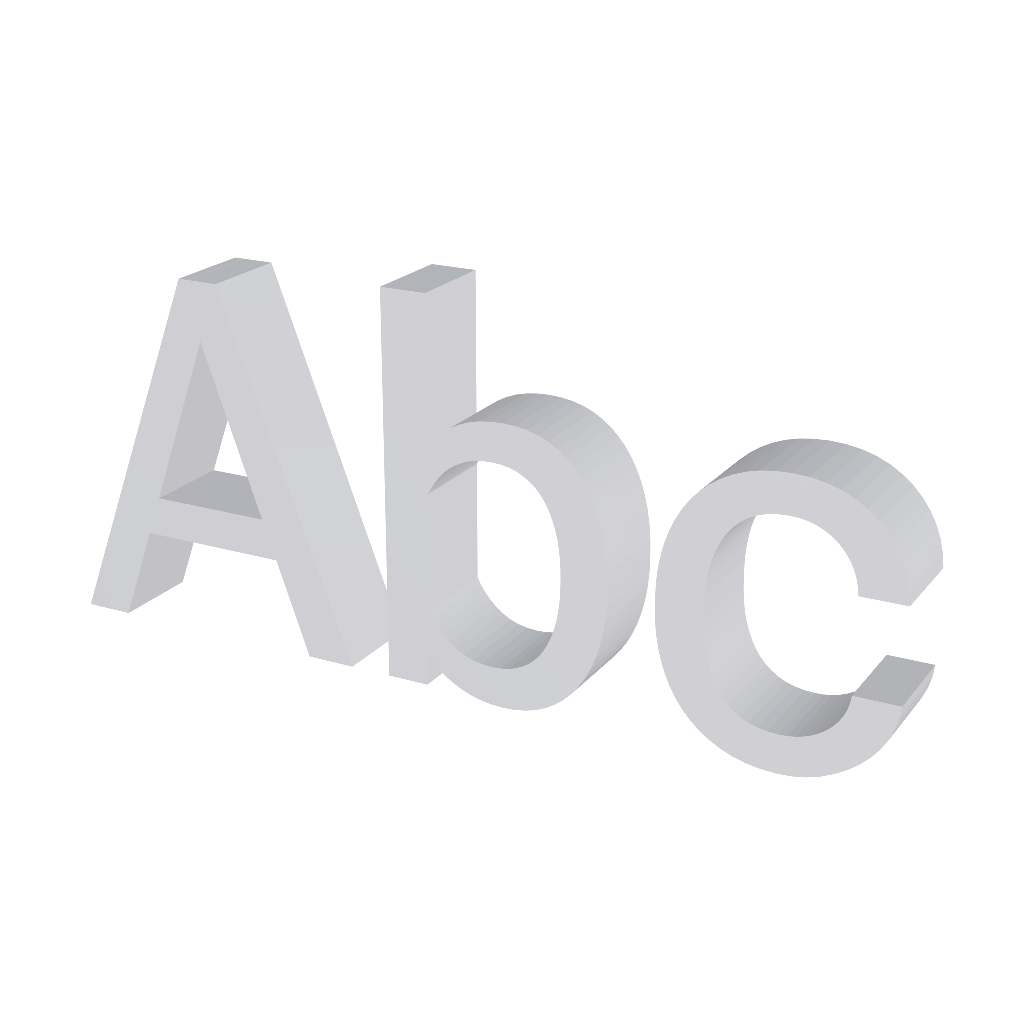
Letters extruded in 3D, from the font catalog of the editor.

The Text generates the geometry of the typed letters, with the chosen thickness. It is useful for signs, logos and lettering that need to exist as geometry, and not as a texture.
The font comes from the catalog of the editor, served from Google Fonts. No font is stored in the project: what gets saved is the identifier of the family, and the glyphs are downloaded when the object is opened.
Properties
- Text: The content itself. It accepts more than one line. It is the heaviest field, because each letter becomes an outline and each outline becomes geometry.
- Font: Family from the catalog. Fonts with thick strokes and little variation generate lighter meshes than thin serif or handwritten ones.
- Bold: Uses the bold cut of the family. When it does not have one, the editor keeps the regular weight instead of thickening the letters artificially.
- Size: Height of the letters, in meters.
- Depth: How far the text goes along the Z axis, that is, the thickness of the extrusion.
- Smoothness: Number of divisions of each curve of the outline. It is the quality against weight field, and the count repeats on every curve of every letter.
Bevel
Rounds the border between the front face and the extruded side. It makes the text look molded instead of cut out, but it multiplies the polygon count.
- Enabled: Turns the bevel on and unlocks the fields below.
- Thickness: How far the bevel goes into the depth.
- Size: How far the bevel goes outside the outline. High values on tight fonts can make the letters touch each other.
- Segments: Number of divisions of the bevel curve.
For text applied over a surface, a text layer in UV/Texture Editing usually costs much less.