Extrude
Turns a path into a solid by giving thickness to what it draws.

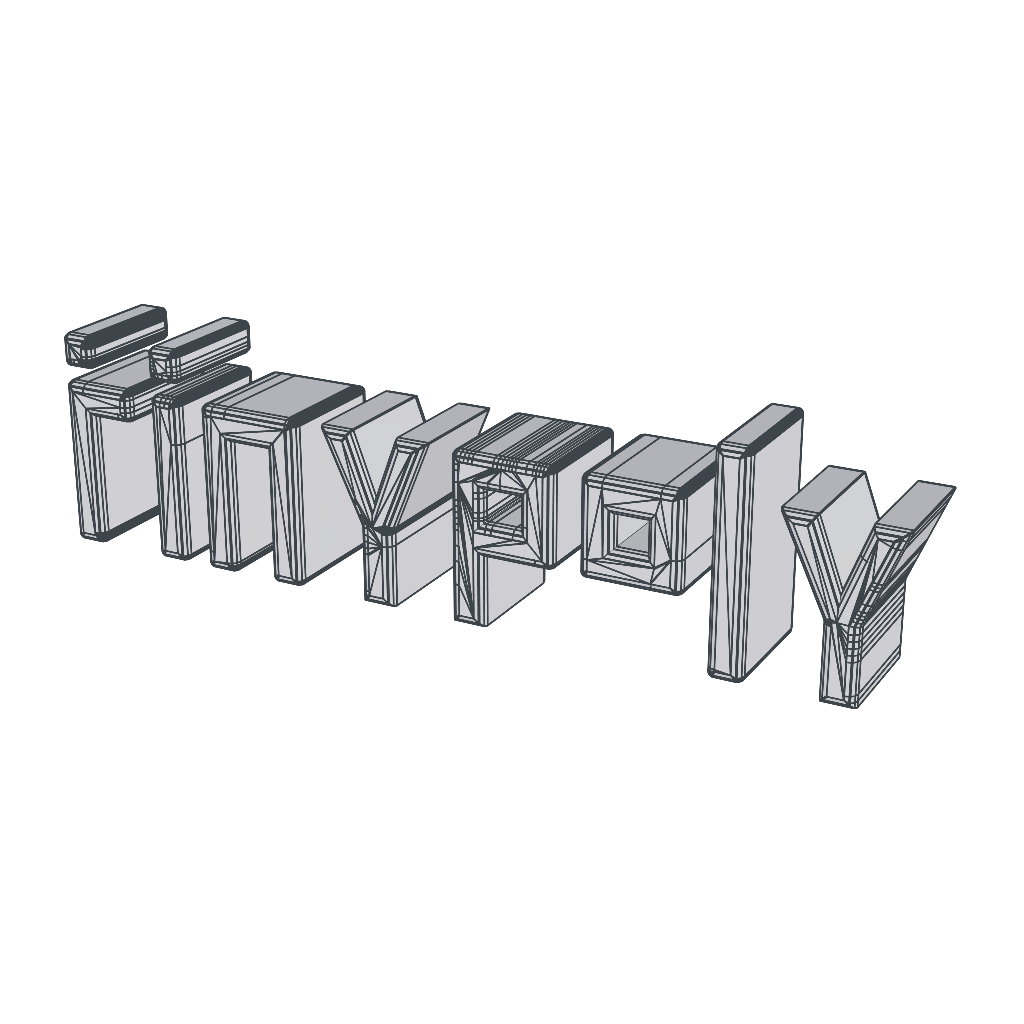
Extrude gives thickness to what is inside it. A path, a text path or a shape path becomes a solid, and the inside of letters and the cutouts of a logo stay hollow. Only the closed area of the drawing becomes solid.
The thickness grows toward the side the path faces: a text path grows forward, and an SVG lying on the ground grows upward.
A plane or a disk also gets thickness. A closed object, such as a cube, stays as it is.
Properties
- Depth: The thickness, in meters. A negative value grows to the other side.
- Corner Radius: Rounds the front and back edges, without changing the outline or the thickness.
- Corner Seg.: How smooth the rounding is.
- Texture: Repeat lays the image out in meters and repeats it. Fit to drawing places the whole image on the solid: the top band (45%) goes on the front, the middle one (45%) on the back and the bottom one (10%) on the edge, all around the outline. In meters, by axis measures the image at real scale on each face, in the plane of the axis it lines up with most, with the grain, size, start and shift of the texture, as on primitives.