Quality
Samples and image resolution.
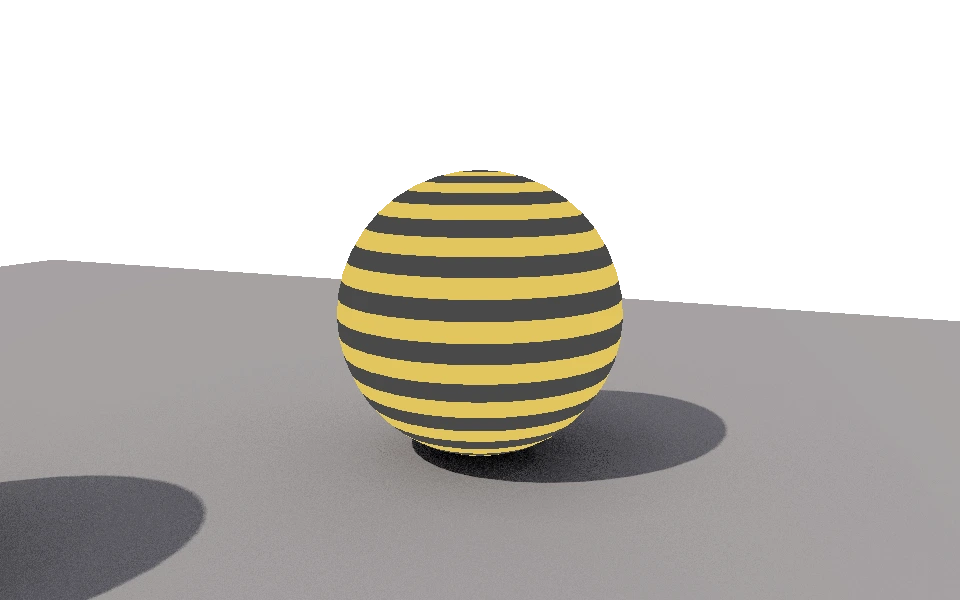
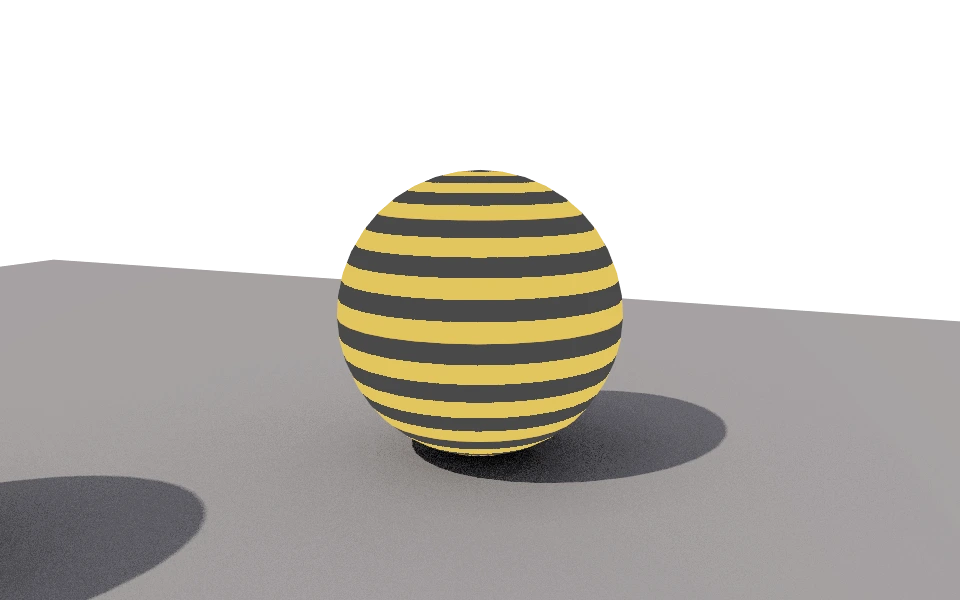
The Quality section balances waiting time and a clean image.
Controls
- Antialiasing samples: From 1 to 256. More samples make edges smooth, without jaggies, and take longer.
- Resolution scale: The image size relative to the viewport. At 0.5x the preview is fast; at 2x the image is twice the size and takes much longer.
- Fixed resolution: Sets the image size in pixels, from 16 to 4096 on each side. The preview area takes the same proportion, so what you frame is what gets saved.
How to use it
Adjust light, material and framing at 0.5x with few samples. Once the image is settled, raise the resolution and the samples and let it finish.
To deliver an agreed size, such as 1920 by 1080, turn on Fixed resolution. Each render definition keeps its own size.
Samples smooth edges, but they do not remove the grain of ambient occlusion and global illumination: that is adjusted in their own sections.