Vignette
Darkens the edges and draws the eye to the center.
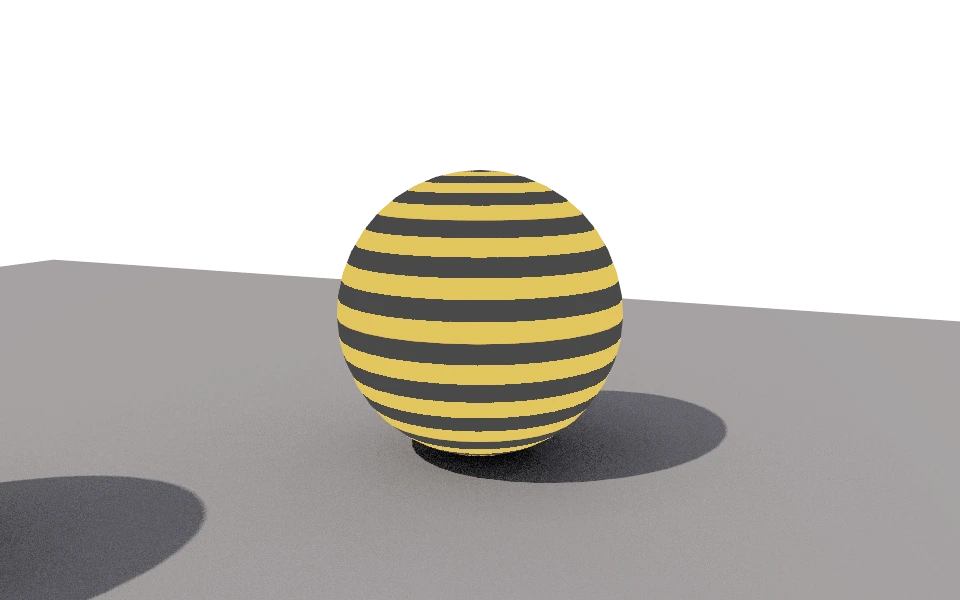
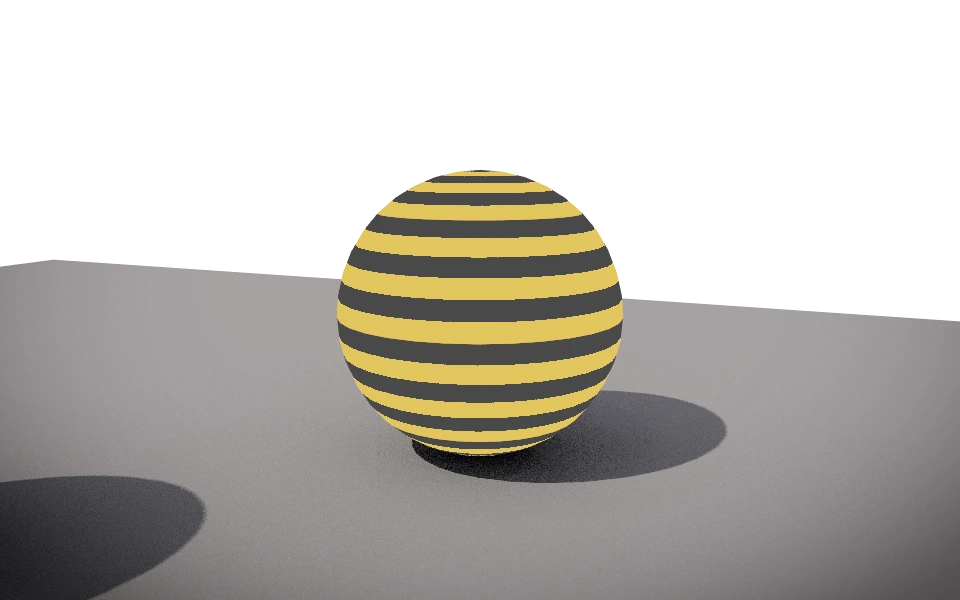
The Vignette section darkens the image from the center to the corners, like a camera lens.
Controls
- Strength: From 0 to 1. Close to 1 the corners get very dark and only the center stays bright.
How to use it
Between 0.2 and 0.4 gives a photographic finish without drawing attention. High values, like the one above, suit covers and thumbnails, where the subject needs to stand out. With a transparent background, the vignette darkens only the object.