Version 1.1.2
Faster editor, new surface editor, grass modifier and appearance variants for groups and assets.
Faster Editor
Projects with many objects got much lighter. Moving objects, changing colors and adjusting properties no longer stutter, and large projects open faster.
New Surface Editor
Clicking a surface opens a panel with everything it accepts: Color, Material, Noise and Pattern at the top, and None and Inherit at the bottom. Materials show up in a list, with search and thumbnails, and one click applies them. Each color adjustment goes back with a single Undo.
New Modifier: Grass
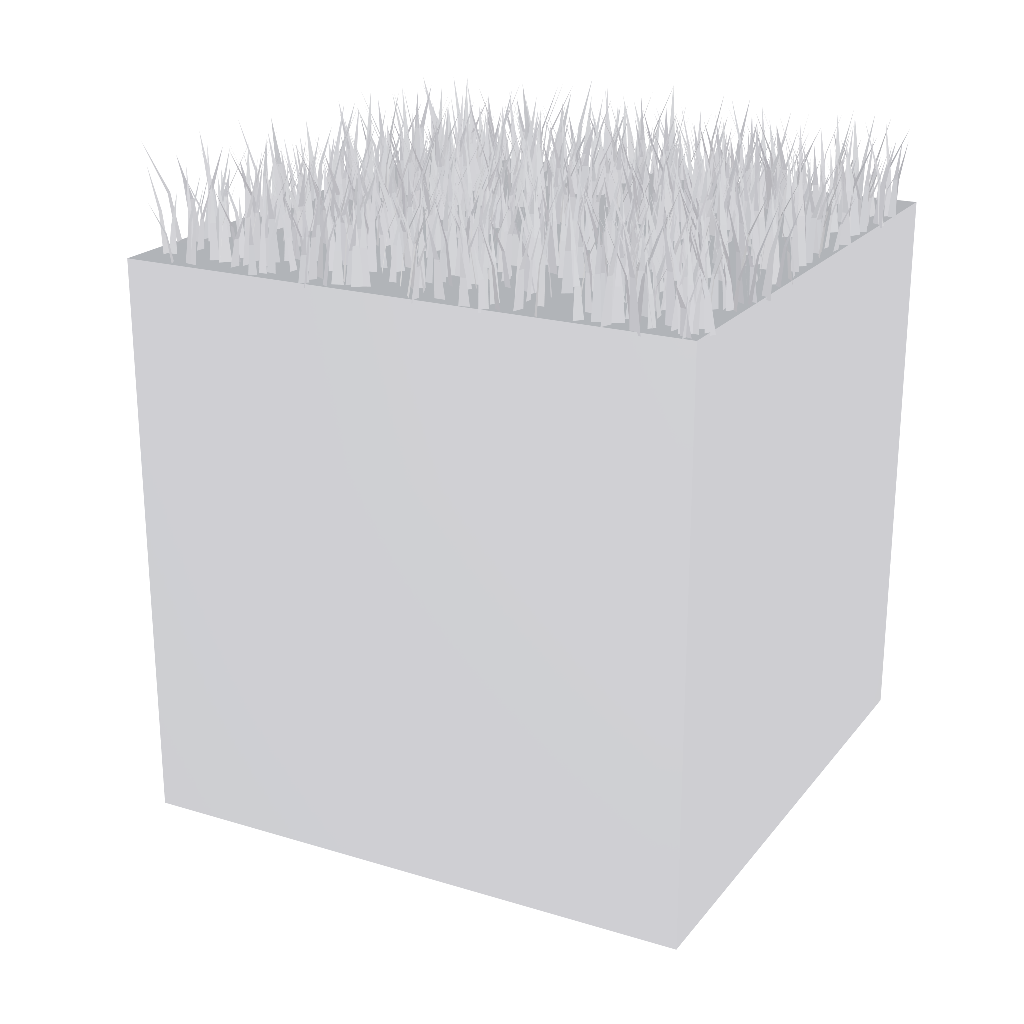
The new Grass modifier grows a low poly lawn on the faces of the objects placed inside it, only on the sides you choose. Even a dense lawn stays light.
Modifiers: New Affected Objects Property
Modifiers gained a filter button at the top of the inspector, with the objects inside. Uncheck one and the modifier leaves it as it is, without taking it out.
Appearance Variants
Groups and Assets now have an Appearance category with the surfaces of everything inside them. Changing a color or a material there changes only how that group or that asset looks: the original object stays as it is. This lets you build color variants of a project, or place the same asset twice with different looks, without duplicating anything. Each surface shows the original next to its replacement, with Revert to go back. Learn more in Group and Asset.
Glow on Emissive Materials
Materials with an emissive color have a new Glow property, which spreads a halo of light around the surface, and Glow Distance, which sets how far it reaches. It shows in the editor and on the project's public link.
Loading Screen
At certain times of the year, the loading screen gets a special decoration for the occasion.
Suggestions
Have an idea for Tinypoly? Get in touch through the form on the Contact page or by opening a ticket in Support. We would love to hear your suggestions.