Lights
The four types of light, and what each one illuminates.
A Light lights up the surfaces around it, without showing in the final image. In the viewport, each light has an icon so it can be selected.
There are four types, chosen when creating it with Add Object:
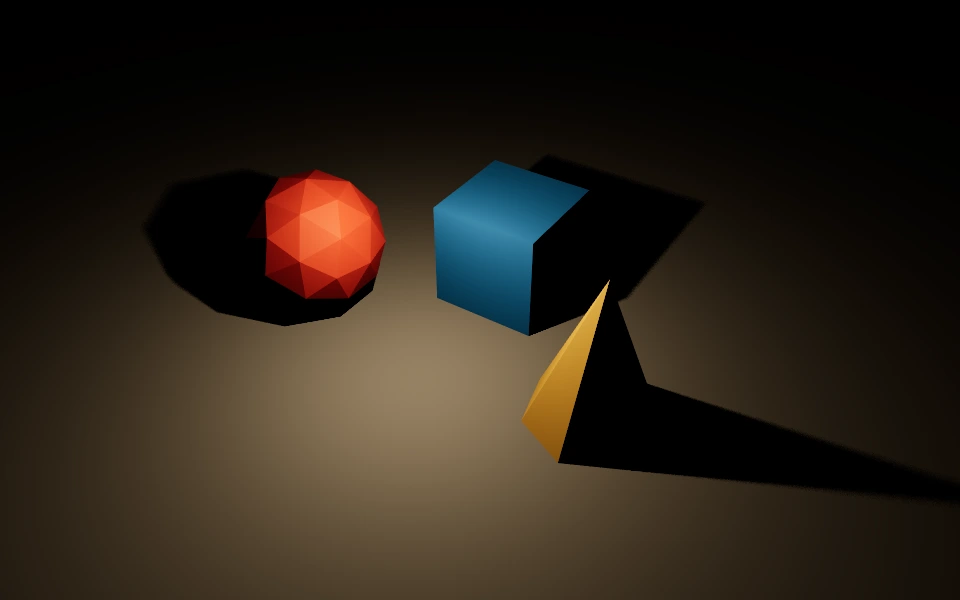
- Point Light: Lights in every direction from a point, like a bulb, and weakens with distance.
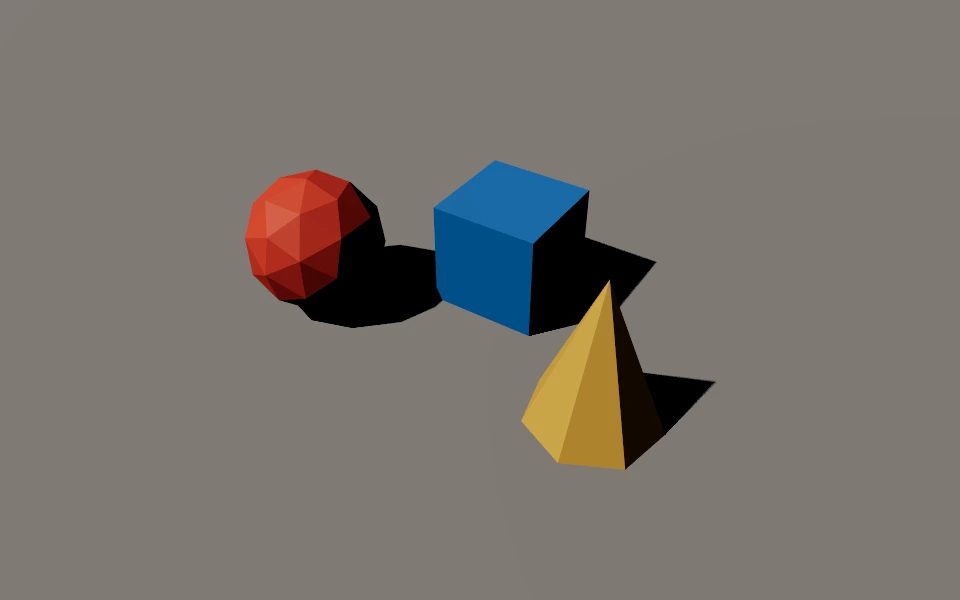
- Directional Light: Lights in a single direction, with the same strength everywhere, like the sun.
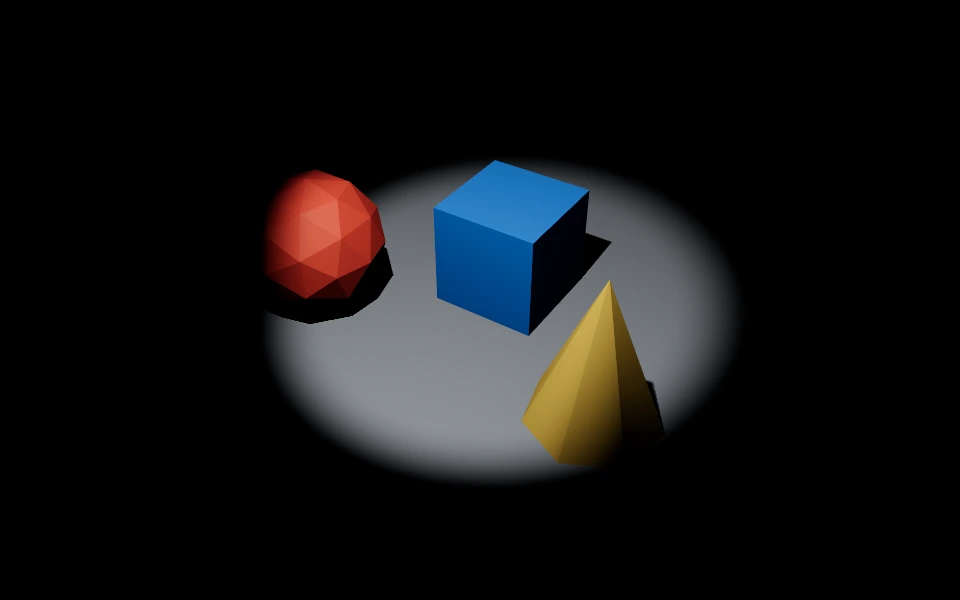
- Spot Light: Lights inside a cone, like a spotlight.
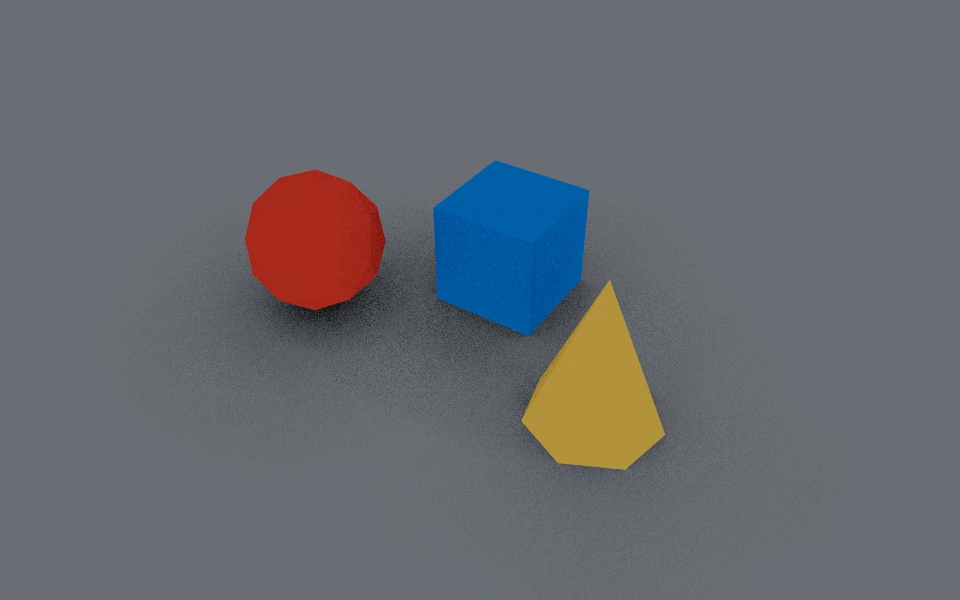
- Ambient Light: Lights everything evenly, without direction or shadow. It brightens what no other light reaches.
Properties
- Color and Intensity: The color and strength of the light.
- Distance and Decay: The reach and how much the light weakens with distance, for point and spot.
- Angle and Penumbra: The cone opening and the softness of its edge, for spot.
- Shadows: Whether the light casts shadows. Each light with shadows makes the viewport heavier, so turn it on only for the main lights.
- Volumetric light: Whether the light's path shows in the air.
Volumetric light
Volumetric light makes the light's path visible in the air, like dust crossed by a spotlight. It works for point and spot lights.
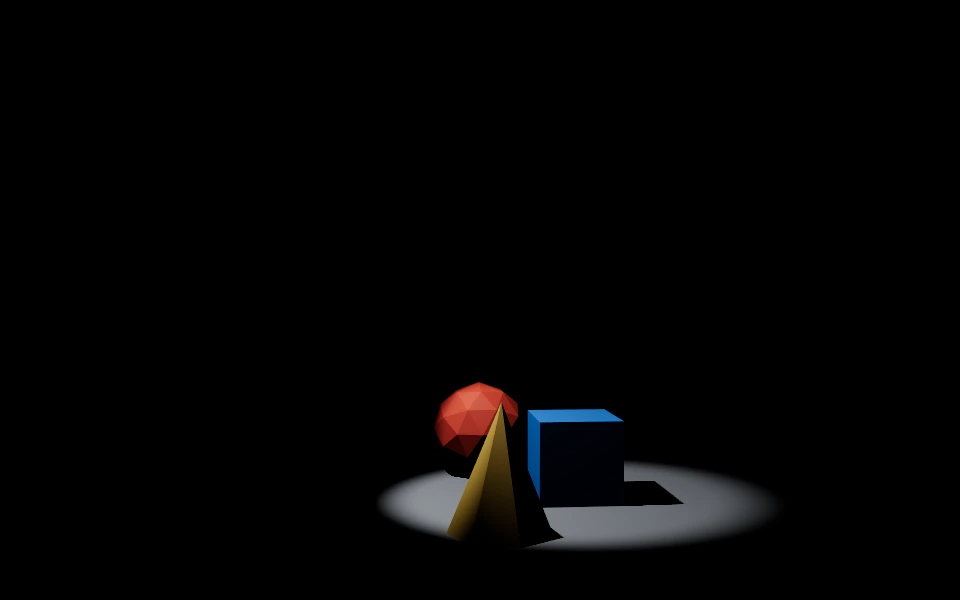
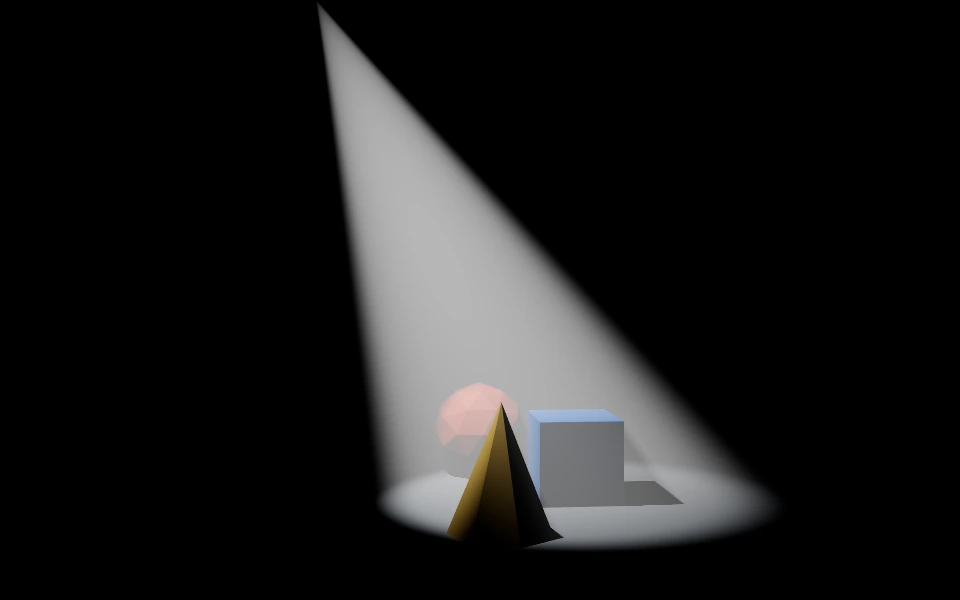
On a spot, the effect forms the cone of the beam, and with Shadows on, objects inside it leave streaks of shadow in the air. On a point light, it forms a halo around the light.
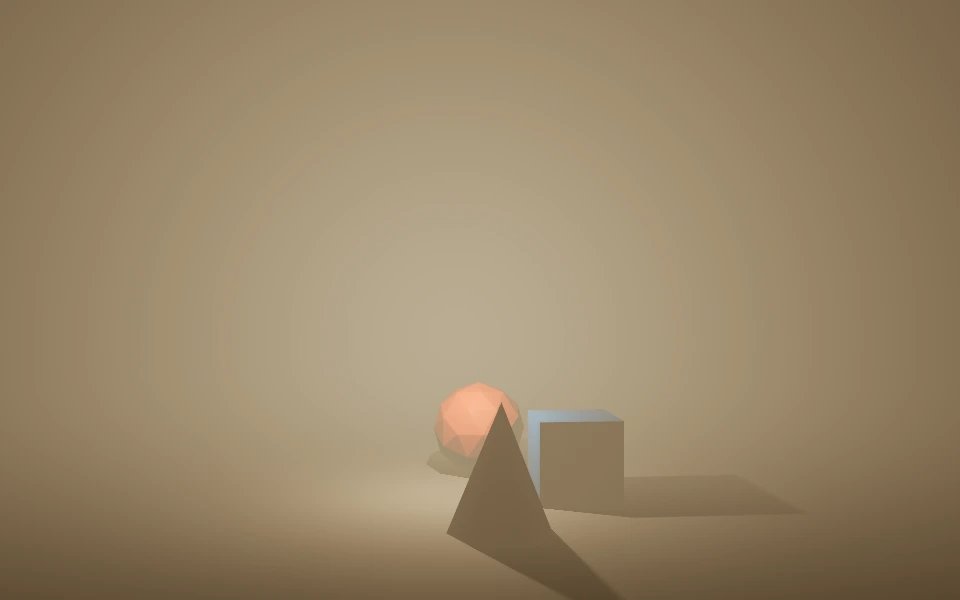
The quality of the effect in the viewport is in Volumetric Lighting, in the editor settings.